 Coverlet
Coverlet 2.1: two new puzzle techniques, and what they change
Coverlet 2.1 adds Cross-Stitch and Gingham, bringing the daily shelf to eight ways to read a board.
By Mourad Hamdi · Last reviewed
The public game today
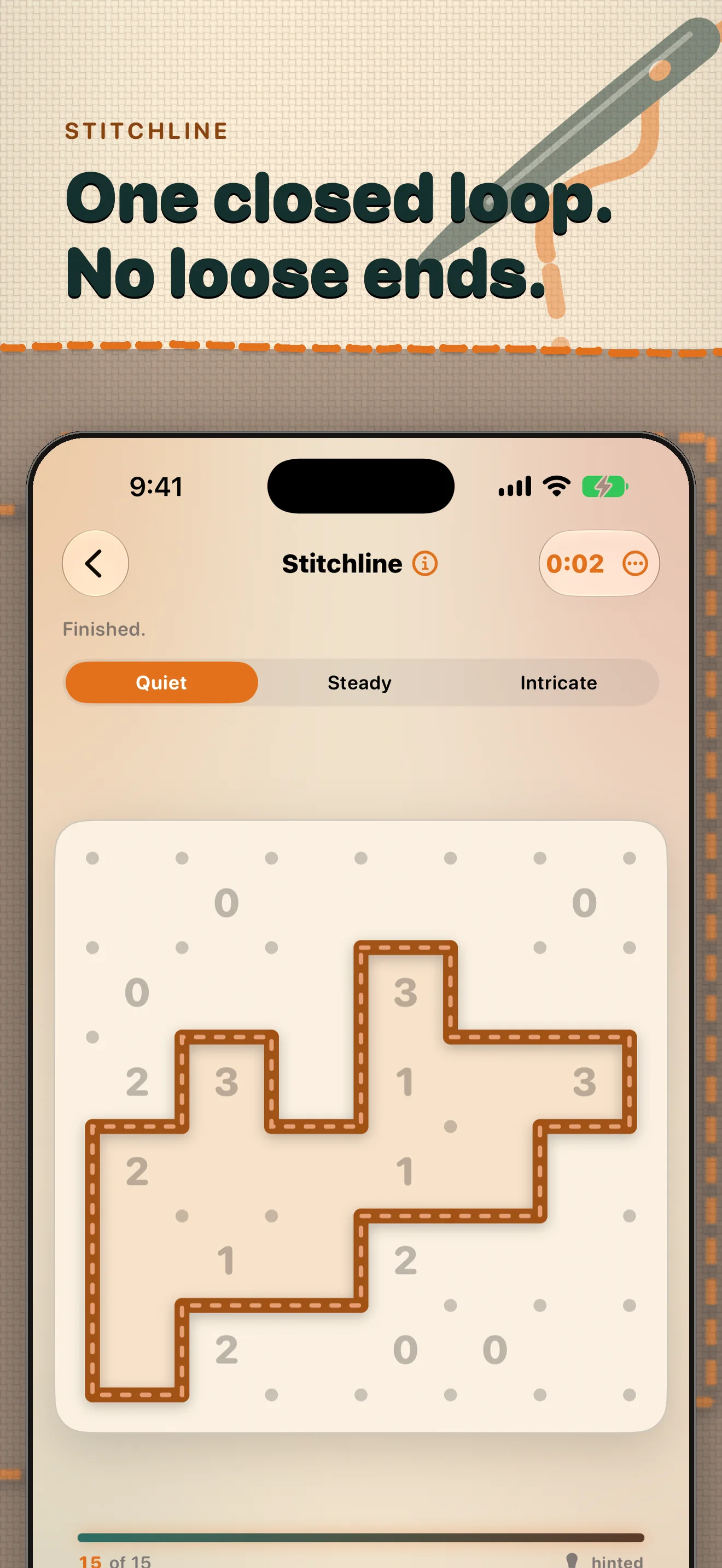
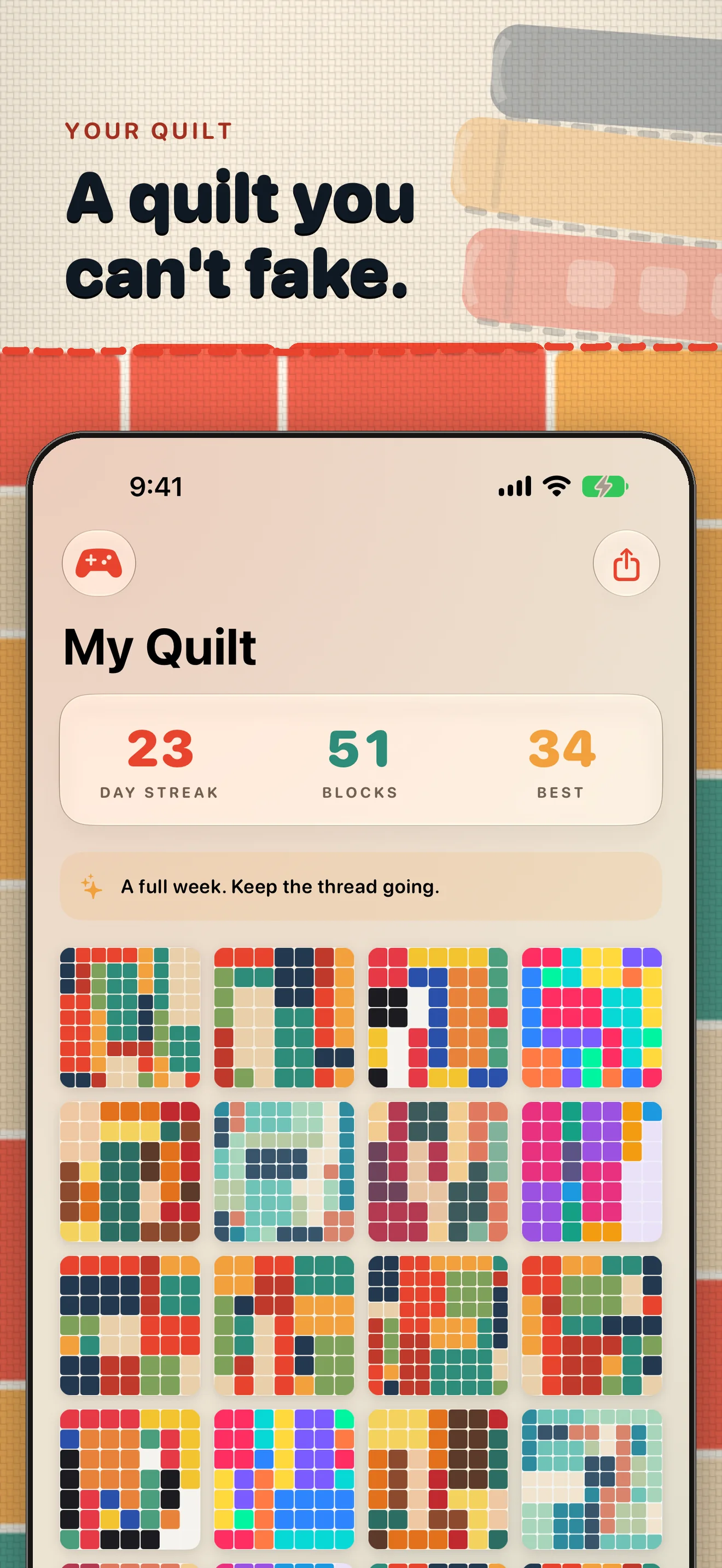
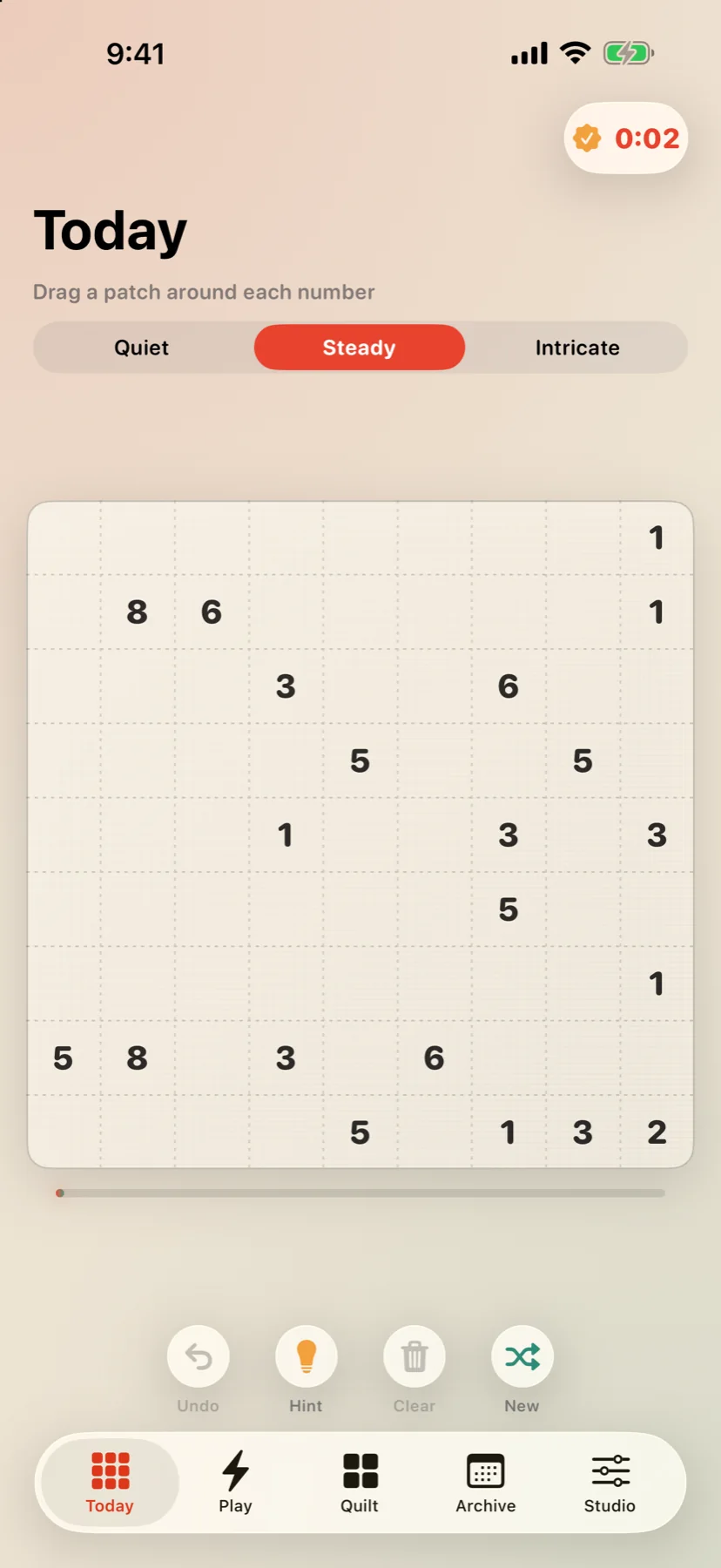
The Coverlet version currently listed on Apple's App Store has eight daily techniques: Patchwork, Appliqué, Piecing, Stitchline, Rosette, Buttons, Cross-Stitch, and Gingham. They share the same useful rhythm—a free daily board, clear constraints, and a finished result that can join your quilt—while asking for different kinds of attention. That is the right place to start if you want to download and play now.
Cross-Stitch: let the runs reveal the motif
Cross-Stitch is the project’s Nonogram-style board. Instead of asking which rectangle owns an area or which path can close a loop, it gives rows and columns ordered run counts. The useful move is to compare every legal placement of a run, then fill cells that appear in all of those placements and mark cells that no placement can use. Longer runs near an edge often provide the first certainty; later, the small gaps between runs become just as informative. The visual reward is gradual: a stitched motif emerges from a series of precise row-and-column deductions. It is a good fit when you enjoy pattern recognition, but want the picture to be earned by logic rather than guessed from its outline.
Gingham: make balance do the work
Gingham is Coverlet’s Takuzu-style board: fill a grid with light and dark checks while respecting local balance and adjacency rules. Each row and column must contain the required mix, no row or column can contain three identical checks in a row, and completed lines must remain distinct. The board therefore rewards a different scan from Cross-Stitch. Look for pairs that force the opposite check, count the remaining light and dark cells in a row, and use duplicate-line prevention only after the local rules have done their work. Gingham feels tidy when a single placement resolves several relationships at once; the challenge is keeping the whole cloth balanced without turning the solve into a memory exercise.
Same quilt, different question
The strength of adding techniques is not a larger number on a feature list. It is the change in the question the player gets to ask. Patchwork asks, “Which rectangle owns this area?” Appliqué asks how connected regions can remain valid. Piecing asks which tile can still find its partner. Stitchline asks whether a line can become one loop. Rosette asks how pieces can rotate into symmetry, while Buttons asks where exact placements can coexist. Cross-Stitch adds ordered runs and a picture; Gingham adds balance, adjacency, and line uniqueness. The quilt makes the result feel related even when the reasoning is not. You can choose a mode by the kind of attention you want, not by a universal ranking of difficulty.
Read the release status honestly
Cross-Stitch and Gingham are now part of the 2.1 release, so the App Store listing is the source of truth for the current eight-technique experience. Platform availability can still vary by Apple device; the platform guides state those boundaries precisely.
Start with the eight techniques when you want to play today, then read the technique guide for the broader design language.
Keep reading