 Coverlet
Logic puzzles made for the Siri Remote.
Coverlet treats focus, distance, and directional input as part of the puzzle—not as details to hide behind an enlarged phone interface.
Coverlet 2.0 is available on Apple TV with its own compact six-technique set.
How it plays here
Lean back, think sharp
A Siri Remote has no pencil, mouse, or direct touch target. Coverlet therefore treats focus as the heart of the board. Every cell is a real focusable control. Click cycles a cell forward; Play/Pause cycles backward. Grid and tool controls live in separate focus sections, so moving Down continues to mean moving through the puzzle instead of unexpectedly falling into a toolbar.
Focus is the game’s navigation
A Siri Remote has no pencil, mouse, or direct touch target. Coverlet therefore treats focus as the heart of the board. Every cell is a real focusable control. Click cycles a cell forward; Play/Pause cycles backward. Grid and tool controls live in separate focus sections, so moving Down continues to mean moving through the puzzle instead of unexpectedly falling into a toolbar.
A compact technique set redesigned for distance
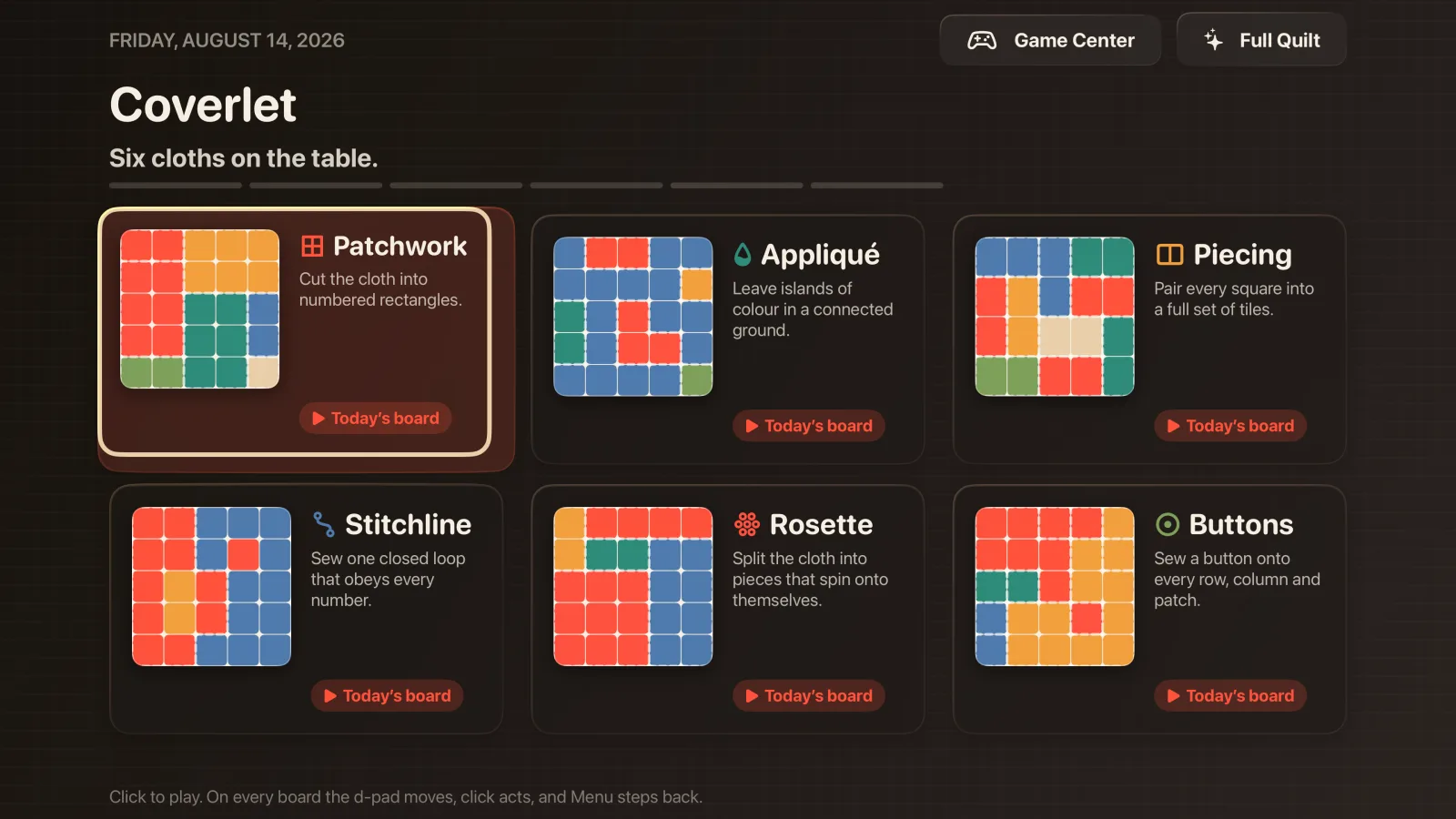
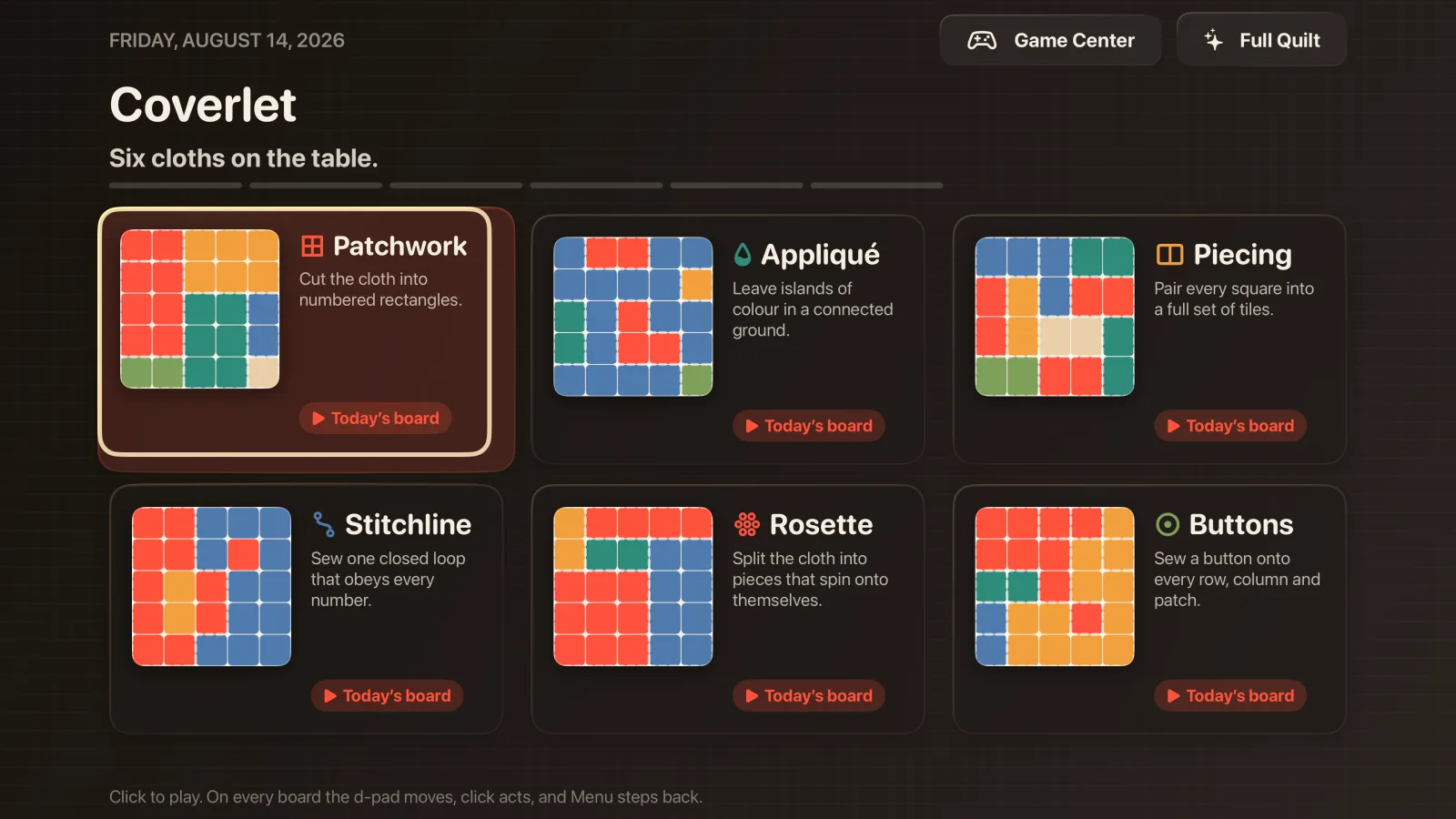
The current tvOS experience documents Patchwork, Appliqué, Piecing, Stitchline, Rosette, and Buttons as its remote-native daily techniques. Cross-Stitch and Gingham are part of the wider 2.1 product, while Apple TV keeps its own tested board and interaction contract. Compact Quiet boards are tuned per mode for television viewing and remote navigation, and the solve clock is removed.
What crosses devices—and what does not
The phone can share a recent day-streak through Apple services when configured. Individual solved modes do not cross because Apple TV uses surface-specific boards. The streak is reconciled, never summed. A solve on television remains a television solve, and the product does not claim that a matching phone board was completed when it was not.
A household screen with careful Game Center rules
Apple TV is often shared while a Game Center identity is personal. Coverlet keeps television progress keyed to the signed-in player and drops solves made while nobody is authenticated rather than assigning them later. It submits only claims the television can honestly know.
Real product media
See Coverlet on Apple TV.
Platform details
What this version includes.
Feature availability is stated for this platform, not copied from iPhone. Release status is stated against the current App Store product.
- Daily techniques
- Six on the tvOS surface
- Board format
- Compact Quiet boards tuned per mode
- Input
- Siri Remote focus and clicks
- Timer
- None
- Quilt
- Not on tvOS
- Cross-device
- Recent streak only
Questions, answered precisely
About Coverlet on Apple TV.
Can I play Coverlet on Apple TV?
Yes. Apple lists Apple TV as a supported Coverlet platform, with remote-native interactions and a television-specific board experience.
Does Apple TV have the same technique set as iPhone?
No. The eight-technique product catalog is adapted per surface. The current tvOS guide documents six remote-native daily techniques, while iPhone, iPad, Mac, and Apple Vision Pro carry the complete 2.1 set.
Are Apple TV boards identical to iPhone boards?
No. tvOS uses surface-specific compact boards, so it does not falsely mark a phone board as solved.
Does Apple TV show My Quilt?
No. The tvOS experience keeps its own solve ledger rather than presenting the full quilt collection.