 Coverlet
A daily logic ritual that fits in your hand.
Choose one of eight forms of deduction, solve at your own pace, and keep the finished pattern as part of a quilt that grows one day at a time.
Coverlet 2.1 is live on the App Store for iPhone with eight daily techniques.
How it plays here
Eight ways to read the cloth
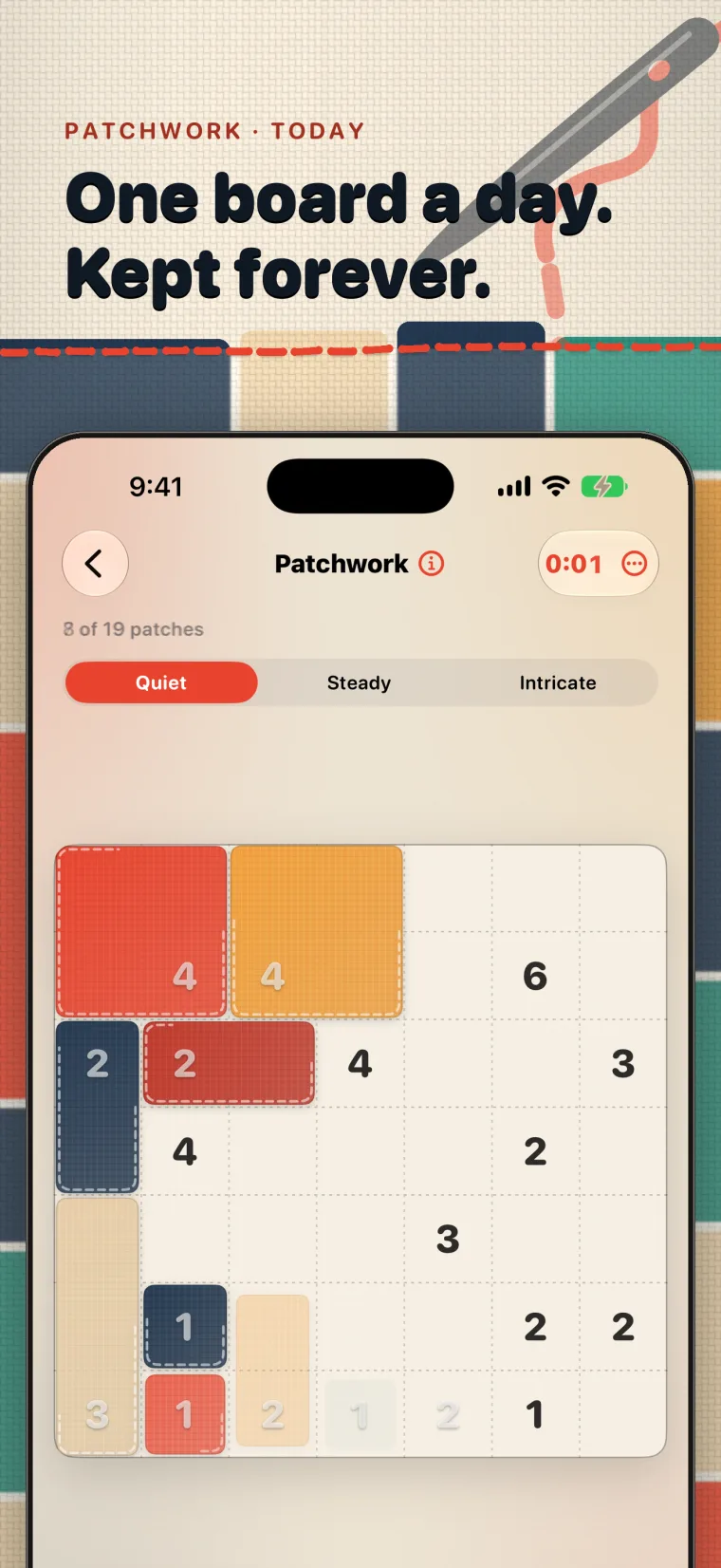
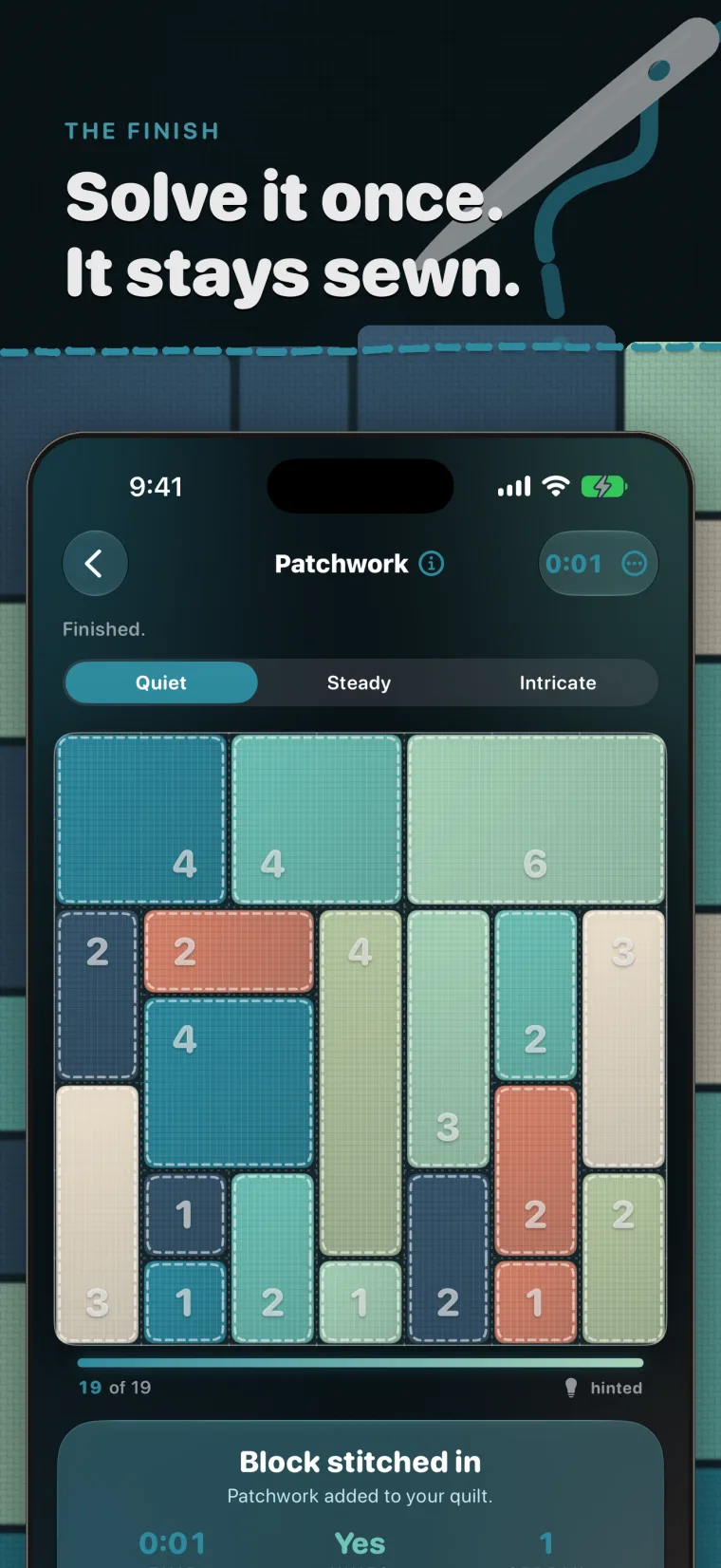
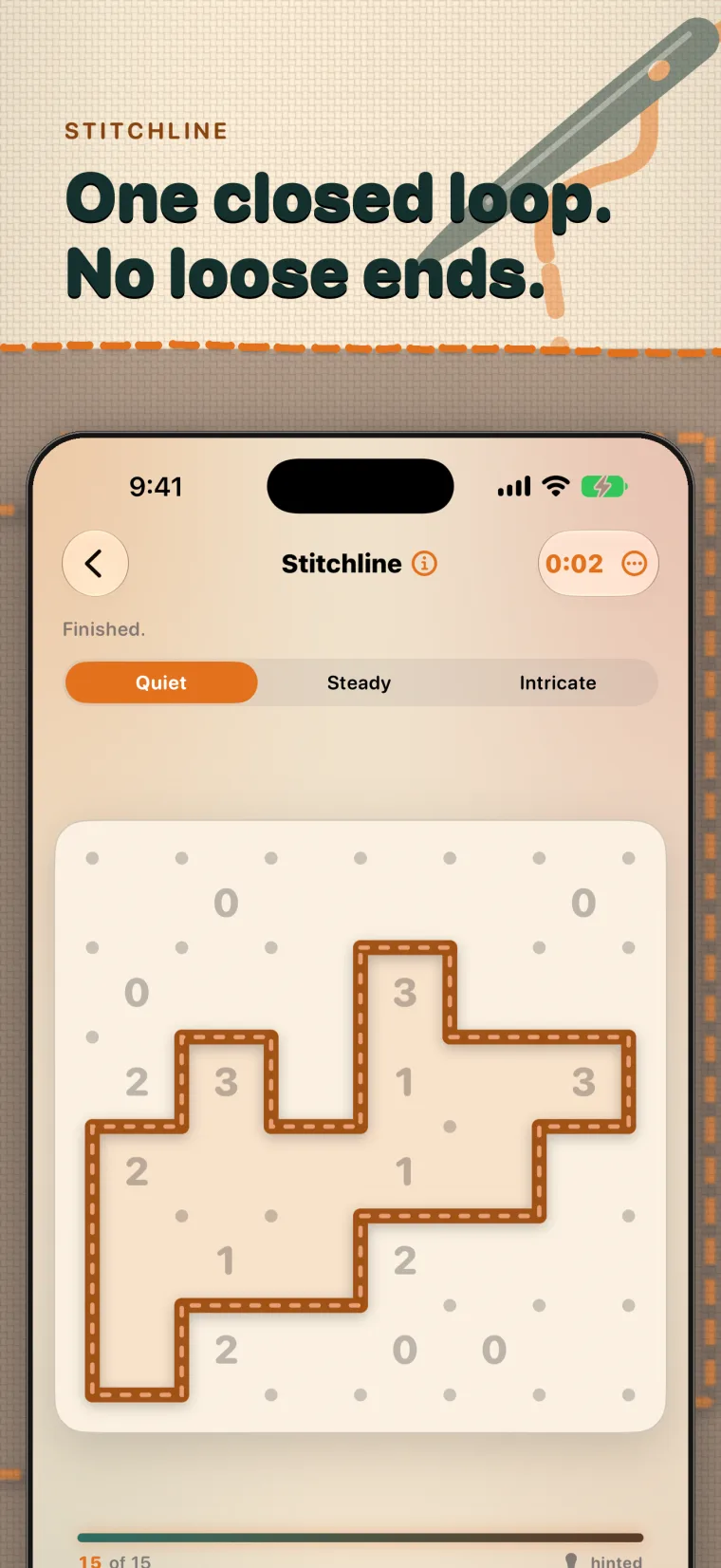
Patchwork asks you to divide the grid into rectangles. Appliqué turns the board into connected regions. Piecing is about pairs and consequences. Stitchline asks for one closed loop. Rosette revolves around symmetry, Buttons uses placement logic, Cross-Stitch compares ordered runs, and Gingham balances binary lines. Each technique has its own visual language, but the interaction stays legible: make a move, see its meaning immediately, undo when needed, and ask for a hint without losing the rest of the board.
A board for the moment you have
Quiet, Steady, and Intricate board sizes let the daily ritual expand or contract around your day. The board is generated on the device from the date, mode, and difficulty, so the same identity can be restored without turning the core puzzle into a network service. A three-minute Sprint sits alongside the daily shelf when a clock sounds more appealing than a longer solve.
The solve becomes part of something
A finished board does not disappear into a score screen. Its pattern becomes a block in My Quilt, a private visual record of the days and modes you chose to complete. The archive, weekly boards, packs, palettes, and progress views extend that record without changing the central promise: one clear puzzle can leave a lasting, personal shape.
The most connected Coverlet experience
iPhone is where Coverlet's widest set of Apple integrations lives. Home and Lock Screen widgets can surface progress, Live Activities can accompany a Sprint, App Intents and Spotlight help you reach a board, and optional Game Center features connect achievements, leaderboards, and play with friends. The App Clip, Apple Watch app, complications, and iMessage sticker pack are delivered with the iPhone product rather than sold as separate apps.
Private and useful offline
Core boards are generated locally and no account is required for core play. Coverlet has no advertising or cross-app tracking. Apple services such as purchases, Game Center, and cloud features have their own connection requirements, but the essential loop—open a board, make deductions, and keep the solve—does not depend on a Coverlet server.
Real product media
See Coverlet on iPhone.
Platform details
What this version includes.
Feature availability is stated for this platform, not copied from iPhone. Release status is stated against the current App Store product.
- Daily techniques
- Eight
- Board sizes
- Quiet, Steady, Intricate
- Core play
- On-device and offline
- Widgets
- Home and Lock Screen
- Live Activities
- Sprint
- Input
- Touch, drag alternatives, keyboard on supported setups
Questions, answered precisely
About Coverlet on iPhone.
Does Coverlet require an account on iPhone?
No account is required for core play. Optional Apple services have their own account requirements.
Can I play without an internet connection?
The core daily boards are generated on-device and can be played offline. Purchases and optional online Apple services may require a connection.
How many puzzle techniques are live in Coverlet?
The current App Store release has eight daily techniques: Patchwork, Appliqué, Piecing, Stitchline, Rosette, Buttons, Cross-Stitch, and Gingham.
Where is Coverlet 2.1 released?
Coverlet 2.1 is published for iPhone, iPad, Mac, and Apple Vision Pro. Apple TV remains on Coverlet 2.0, while Apple Watch and iMessage are bundled with the iPhone product and retain their own feature sets.