 Coverlet
Offline puzzle games for travel: what to look for
A good travel puzzle respects a weak signal, a small screen, and the quiet gap between one place and the next.
By Mourad Hamdi · Last reviewed
Define what offline actually means
An offline label is useful only when you can identify the part of the experience that works without a connection. Ask whether the game opens to a playable board, whether its core puzzle can be generated or loaded locally, and whether you can finish the central activity before service-dependent features matter. Coverlet states that its core puzzles are generated on-device, which supports the daily logic loop without a connection. That does not mean every optional Apple service is available in airplane mode; purchases and Game Center are separate concerns. A careful travel checklist distinguishes the core solve from accounts, stores, rankings, and other network features. The offline puzzle guide gives the broader comparison, while the privacy policy explains the current data and service boundaries.
Match the puzzle to the gap
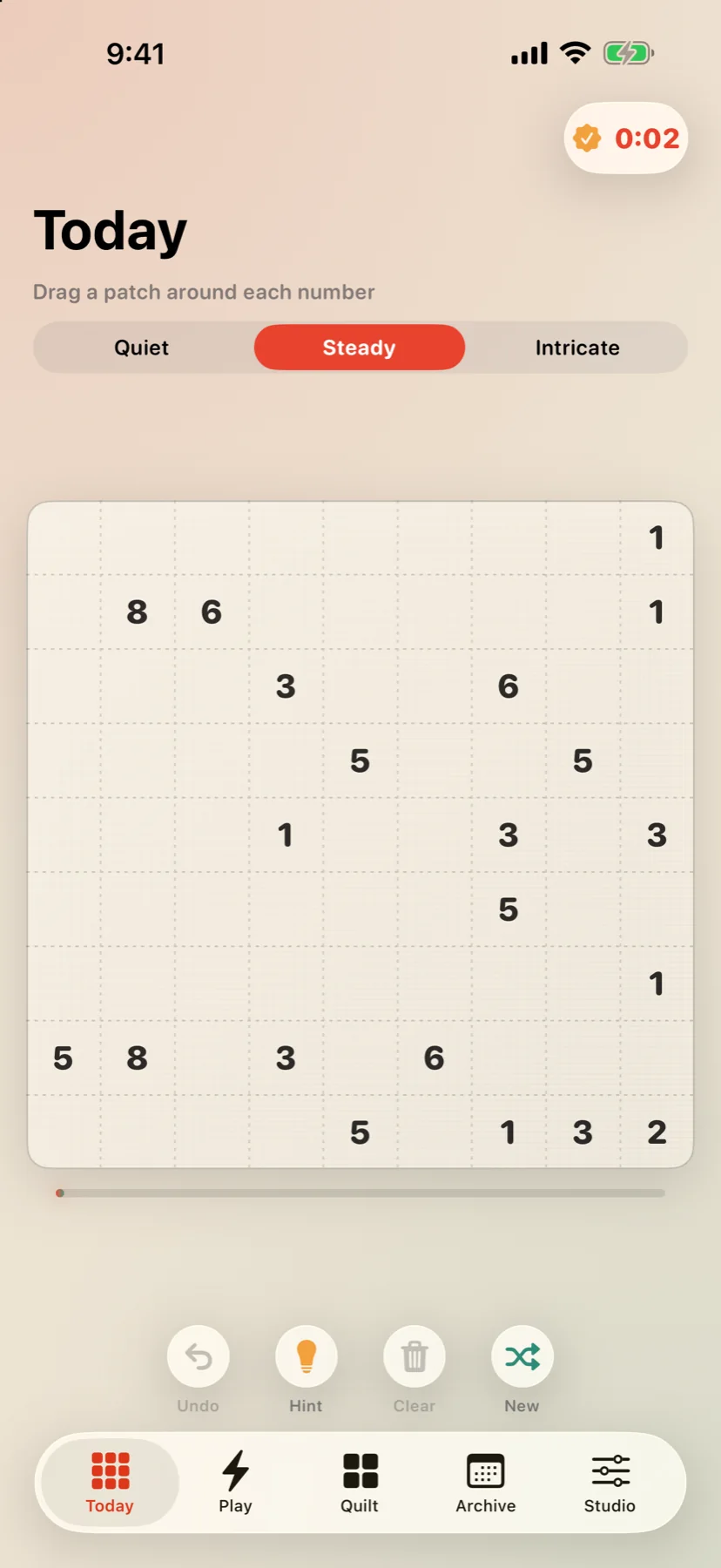
Travel time arrives in uneven pieces. A boarding queue may offer five minutes, a delayed train may offer twenty, and a long flight may offer a much larger block. A good companion gives you more than one way to enter the experience. Coverlet's daily boards come in Quiet, Steady, and Intricate sizes, while Sprint is a documented three-minute timed mode. That does not guarantee that every board will take a particular number of minutes; it gives you a choice of scale or pace before you start. When comparing games, look for a clear resume point, a board that does not punish interruption, and a session that can end naturally. A puzzle that requires a long uninterrupted run may be a poor fit for a crowded platform even if it is enjoyable at home. The daily routine guide can help turn that time-fit question into a practical choice.
Prefer rules you can re-enter
Travel interrupts attention. Announcements, transfers, seat changes, and conversations can break a chain of reasoning without warning. This makes clear rules and visible state more valuable than a complicated onboarding sequence. Rectangle logic offers a compact example: a clue names an area, a rectangle must contain one clue, and the finished board has no gaps or overlaps. When you return to the board, you can count cells and inspect the remaining candidates instead of remembering a long story. Other Coverlet techniques use different visual languages—connected regions, tile relationships, loops, or patterns—so choose the mode whose clues you can read comfortably. The technique guide explains those differences without treating one mode as universally best. For a first test, try the Patchwork page and notice whether the board still makes sense after you look away and come back.
Check screen and touch clarity
A travel puzzle has to work in less-than-ideal conditions: a small phone, changing light, one hand, or a seat where you cannot use a large gesture comfortably. Readable clues, distinct boundaries, predictable controls, and feedback that does not depend on one colour all reduce the effort of reorienting yourself. On iPad, extra space should make the board easier to inspect rather than surround it with busy decoration. On iPhone, the important state should remain visible without requiring a precise tap at the edge of the screen. These are practical evaluation criteria, not claims that every player experiences the same accessibility needs. Coverlet's accessibility page describes the current commitments, and the app page explains the supported iPhone and iPad surfaces. Before a trip, try the game once with the device in the way you expect to use it, then confirm that the core board is available before you lose service.
Keep a private record of the trip
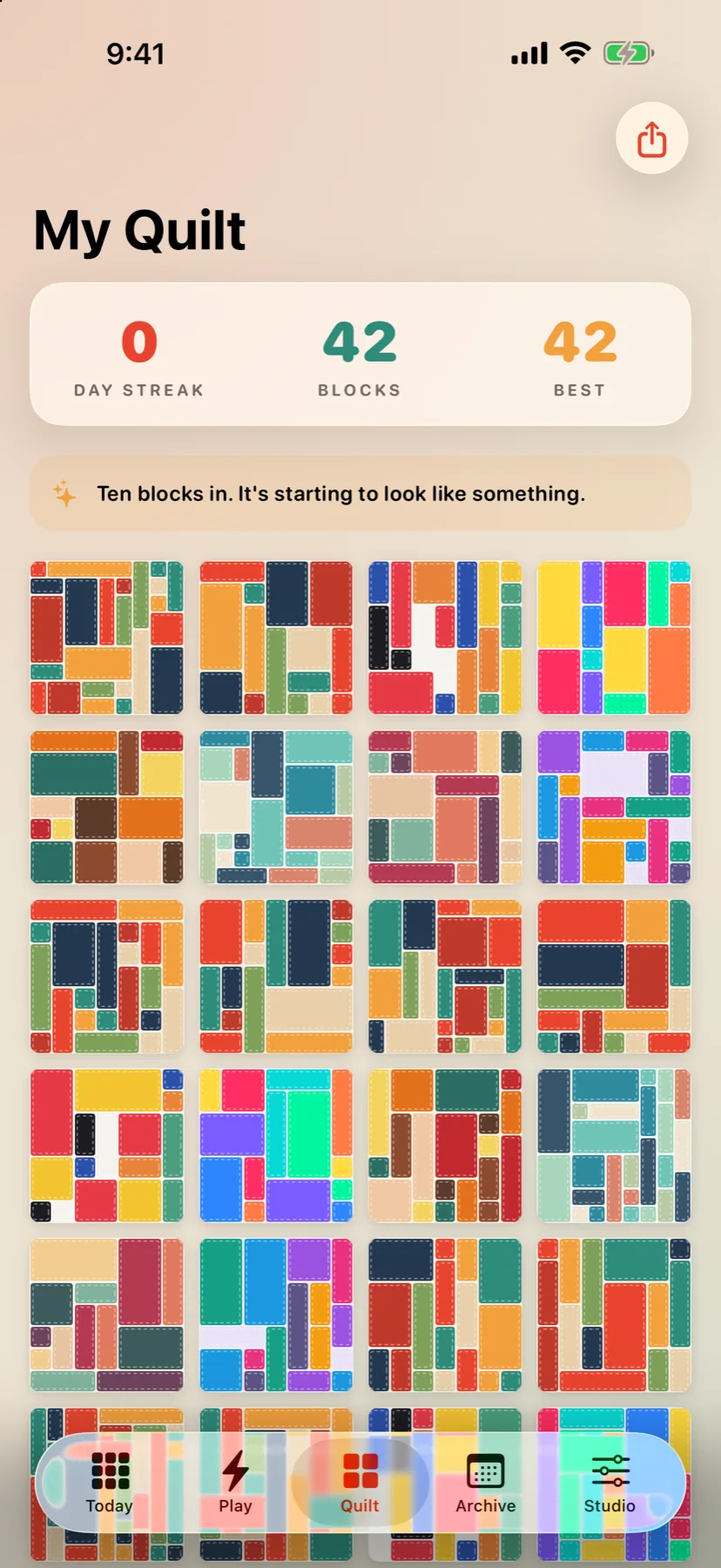
A score is not the only way a travel game can remember a session. Coverlet turns completed boards into quilt blocks, so a finished solve can become part of a visual record without requiring a public profile. The app page states that no account is required for core play, and that the quilt stays on the device under the current privacy model. It is worth checking those details rather than assuming that every offline game is private. Also separate a product's documented behaviour from a general expectation: an app can work offline while still using network services for optional purchases or other features. If you want a low-friction companion, start with the download page, read the privacy choices, and keep the support page available for device-specific questions. The best travel puzzle is the one whose rules, connection needs, and stopping point are all clear before the signal disappears.
Prepare before the signal goes
The most reliable offline test happens before departure. On the device you plan to carry, open the app while connected, confirm that the current board is available, and read the support and privacy pages if you need a specific answer about services. This is not a substitute for product documentation, and it avoids a common mistake: waiting until airplane mode is already on to discover that a download, purchase, or other optional action needs a connection. During the trip, keep the central question narrow. Can you open the board, understand the clue, make a move, and leave when the announcement arrives? If yes, the game is doing the job you need from an offline companion. If no, record what failed rather than assuming the entire app is unavailable. The offline iPhone hub gathers the broader checklist, and the app page provides the current platform and core-play description. A few minutes of preparation protects the quiet minutes you hoped to use.
Coverlet's core puzzles are generated on-device for iPhone and iPad, with no account required for the daily ritual.
Keep reading