 Coverlet
Offline puzzle games for iPhone and iPad: what to check before you travel
“Works offline” should describe a real experience: open the board, understand the rule, solve it, and leave with your progress intact—even when the signal disappears.
By Mourad Hamdi · Last reviewed
Offline is a product contract, not a badge
An app can open without a network and still fail the offline test if the board cannot load, the main action is blocked, or progress disappears when the device loses signal. Separate the core loop from optional services. The question is not “does the launch screen appear?” It is “can I open a playable puzzle, understand what to do, make meaningful progress, and return to it?” That distinction is especially important for travel, where a connection may vanish after the moment you need it.
Test the real board before you travel
Do the test on the device you will carry. While connected, open the current puzzle, read the instructions, and make one or two moves. Then turn on Airplane Mode, close and reopen the app, and confirm that the board remains available. Try pausing, returning, and completing a small section. A screenshot, a cached landing page, or a store description cannot answer those questions. If the game has a daily reset or a server-supplied puzzle, find out whether the next board requires a connection before you depend on it during a flight.
Keep core play separate from accounts and services
Offline play, no account, privacy, and cloud continuity are related but not identical. A game may keep its board local while using a store for purchases or Game Center for rankings. A private core experience may still offer an optional social layer. Write down what you actually need: a board to solve, local progress, a backup, a friend challenge, or a leaderboard. Coverlet’s current product pages state that core play does not require a Coverlet account and that boards are generated on-device, while optional Apple services follow their own boundaries. That is a more useful promise than saying every feature works everywhere.
Choose iPhone for re-entry and iPad for breathing room
The right screen depends on the shape of the interruption. iPhone is the natural travel companion when you may have one hand, a small seat, or only five minutes. The board should keep its clues readable without precision taps at the edge. iPad is better when the larger canvas can show the puzzle and its controls together, especially for connected regions, loops, or patterns that reward comparison. Apple’s platform guidance distinguishes touch-first iPhone and iPad interaction from pointer, keyboard, remote, and spatial input on other devices (Apple, n.d.). A good offline game respects the same difference instead of treating every screen as a scaled copy.
Prefer a bounded board when attention will be interrupted
Travel is full of broken attention: announcements, queues, seat changes, and conversations. A bounded puzzle can fit that reality because it has a visible state and a natural pause. Research on games and recovery suggests that play can be part of how some people recuperate from strain, but the evidence is observational and depends on the person, purpose, and context (Reinecke, 2009). The design lesson is modest: make the next move legible, make mistakes recoverable, and let stopping be an ordinary outcome. A game should not turn a delayed train into a second obligation.
Use this airplane-mode checklist
Before departure, confirm five things: the current board opens, the central puzzle responds, local progress survives a relaunch, the app does not require a sign-in to resume, and you know which optional features will wait until you are online. If the app uses a daily date, check whether time-zone changes affect the board or streak. If you care about privacy, read the app’s privacy choices before the trip rather than assuming that offline means no data is ever sent. Small preparation makes the difference between a useful companion and a blank screen.
Coverlet’s offline boundary
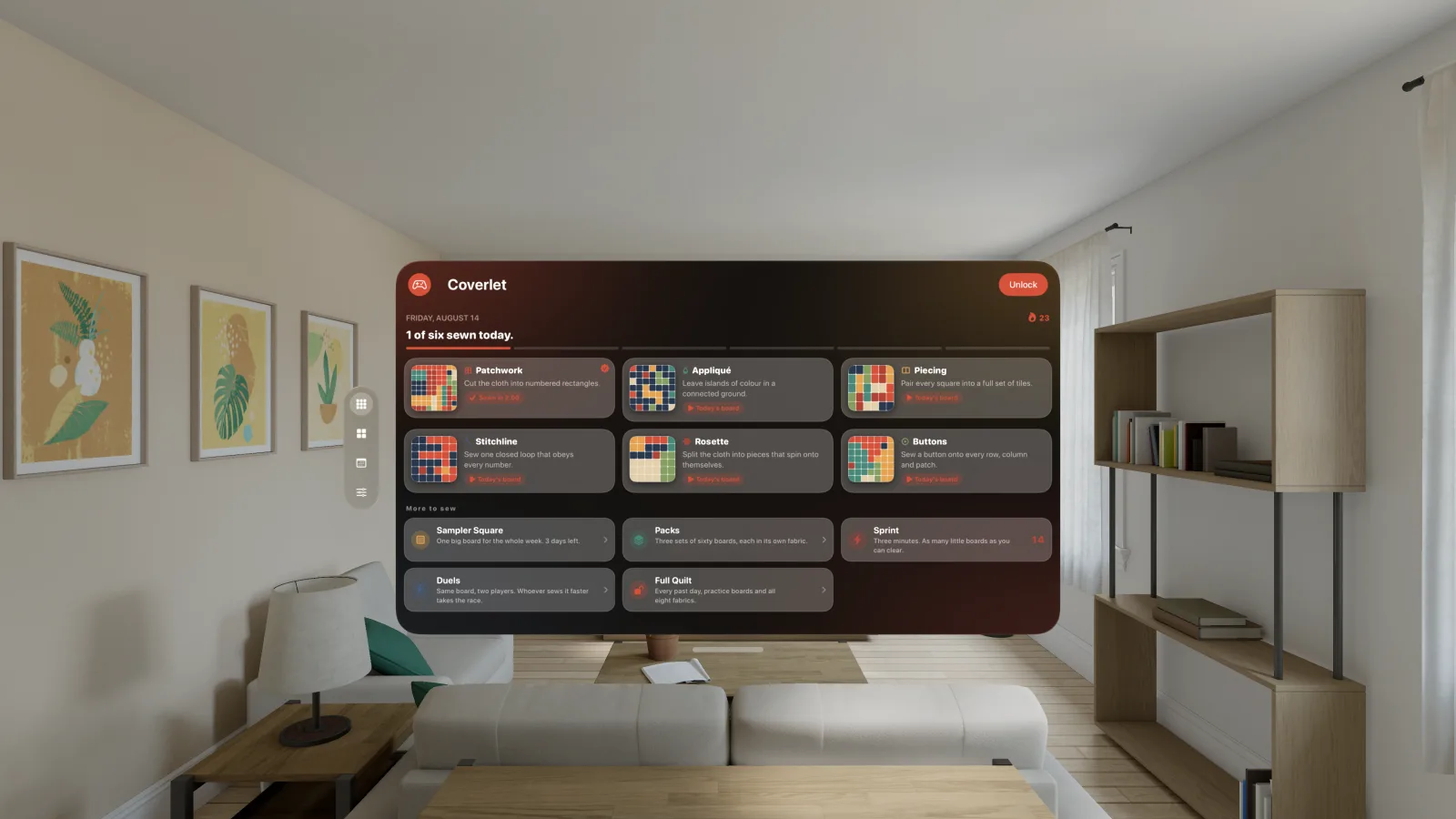
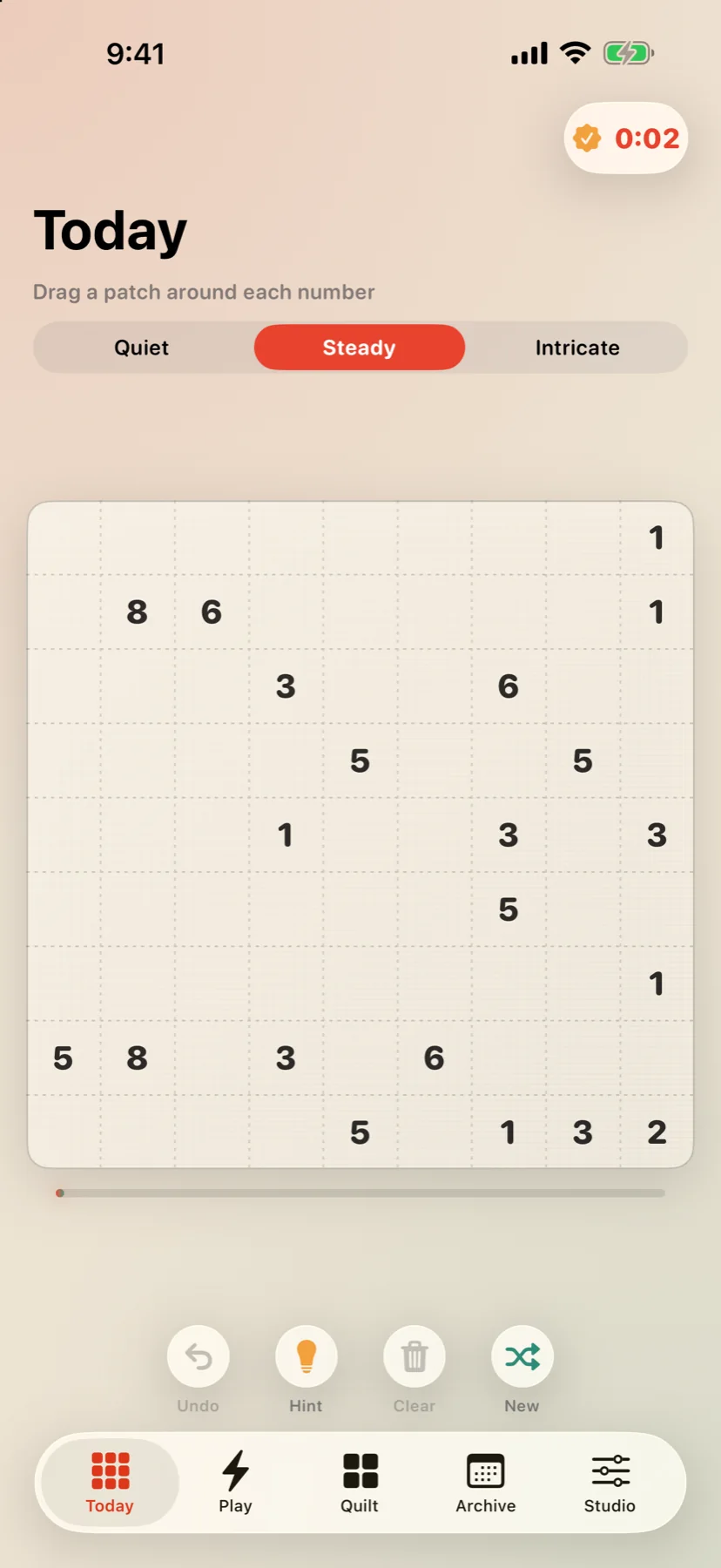
Coverlet’s core daily logic boards are generated on-device, so the central ritual can work without a Coverlet server. The app also has optional Apple layers—such as purchases, Game Center, and continuity features—that should be treated separately from the board itself. The result is a practical travel promise: open a puzzle, reason through it, and keep the completed pattern locally; do not assume that an App Store transaction or an online ranking will update until connectivity returns. For the current device-by-device detail, use the platform guide and the privacy choices.
For a short starting point, try Patchwork, read the iPhone guide, and keep the support page available for device-specific questions.
References
APA 7 references for the research discussed in this article. Last checked 29 Aug 2026.
- Reinecke, L. (2009). Games and recovery: The use of video and computer games to recuperate from stress and strain. Journal of Media Psychology, 21(3), 126–142. Source
- Ryan, R. M., & Deci, E. L. (2000). Self-determination theory and the facilitation of intrinsic motivation, social development, and well-being. American Psychologist, 55(1), 68–78. Source
- Apple. (n.d.). Designing for games. Apple Developer. Retrieved August 25, 2026, from https://developer.apple.com/design/human-interface-guidelines/designing-for-games/ Source
- Pallavicini, F., Ferrari, A., & Mantovani, F. (2018). Video games for well-being: A systematic review on the application of computer games for cognitive and emotional training in the adult population. Frontiers in Psychology, 9, 2127. Source
Frequently asked
Questions about this puzzle
Does offline mean that every feature works without Wi-Fi?
No. It usually means that the central activity works without a connection. Purchases, rankings, cloud backup, and other optional services may still require the network.
How can I test an offline puzzle game before a flight?
Open the app while connected, start a real board, turn on Airplane Mode, leave and reopen the app, make a move, finish or pause the board, and confirm that the progress behaves as expected.
Is Coverlet playable offline?
Coverlet’s core daily puzzles are generated on-device and are designed for offline core play. Optional Apple services such as purchases and Game Center have separate connection requirements.
Is iPad better than iPhone for offline puzzles?
It depends on the gap and the player. iPhone is easier to carry and re-enter quickly; iPad gives clues, regions, and controls more room when you have a longer pause.
Keep reading