 Coverlet
Puzzle games across Apple platforms: iPhone, iPad, Mac, Apple Watch, Apple TV and Vision Pro
A universal puzzle identity is useful only when the controls, screen scale, release status, and continuity rules are honest on every device.
By Mourad Hamdi · Last reviewed
Universal does not mean identical
A puzzle’s rule can be shared across devices while its product experience changes. A touch screen invites direct cell selection. A Mac pointer invites hover and precise acquisition. Apple TV requires focus to move predictably through a grid. Apple Watch needs a compact board that can be understood without scratch space. Vision Pro adds gaze, hands, and depth to the context, even when the game itself remains a window. Apple’s Human Interface Guidelines explicitly describe different default interactions for these platforms (Apple, n.d.). The design goal is continuity of meaning, not pixel-for-pixel sameness.
iPhone: fast re-entry and direct touch
iPhone is the strongest surface for a quick daily return. The board needs to communicate its rule immediately, keep targets comfortable, and preserve important state while the player holds the device in one hand or moves through a short break. Coverlet’s current iPhone guide describes eight daily techniques, on-device core play, widgets, and a quilt that records completed solves. The platform is also the delivery point for the embedded Apple Watch app, iMessage stickers, and App Clip experience, so the website should make those relationships clear rather than treating them as unrelated apps.
iPad: more room for relationships
iPad earns its larger canvas when it lets the player compare more of the board at once. Connected regions, loops, patterns, and larger clue sets can breathe without turning the screen into decoration. Apple’s platform guidance includes touch as well as keyboard, mouse, trackpad, and Apple Pencil paths for iPadOS (Apple, n.d.). Coverlet’s iPad layout therefore describes portrait, landscape, Split View, and a side rail when the available width supports it. The website should sell the extra room as a reasoning benefit, not as a larger screenshot of the same cramped interface.
Mac: pointer, keyboard, and release truth
A Mac puzzle game should behave like a desktop window: stable board scale, comfortable pointer targets, hover feedback where it helps, and keyboard paths for repeated actions. It should also state whether it is a native Mac build, Mac Catalyst destination, or an iPad app running on Apple silicon. Coverlet’s current platform guide describes a live Mac Catalyst experience with pointer and keyboard input and the complete 2.1 technique set. That clarity is good SEO and good trust: users searching for a Mac puzzle game need availability and an authentic interaction model, not a screenshot that implies a download they cannot access.
Apple TV: focus is the game’s navigation
On Apple TV, a puzzle is not a touch grid enlarged onto a television. The player moves focus with the Siri Remote, and every directional step should be predictable. A focus ring must show the active cell without covering the neighbouring logic. Boards should be legible from a distance, avoid precision gestures, and expose controls in a consistent focus order. Coverlet’s platform story treats tvOS as a remote-native branch with its own compact boards and release status, which is more credible than promising that every iPhone board is identical on the living-room screen.
Apple Watch: glanceable, tap-sized, and bounded
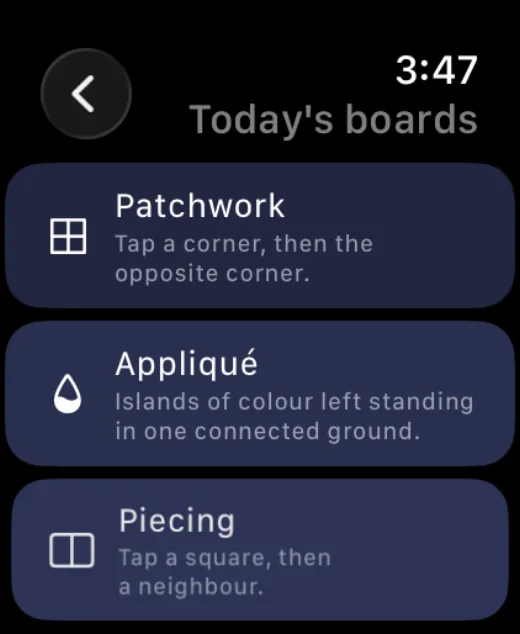
A watch puzzle has a different job from a phone puzzle. It should be understandable after a glance, operate through large enough targets, and avoid demanding long chains of remembered state. The current Coverlet guide describes a standalone watch experience with compact boards, tap-first interaction, local progress, and complications. A device-specific page can attract “Apple Watch puzzle games” searches while still explaining the boundary: a watch is a useful short surface, not a tiny iPhone with every feature forced into it.
Vision Pro: spatial context without invented immersion
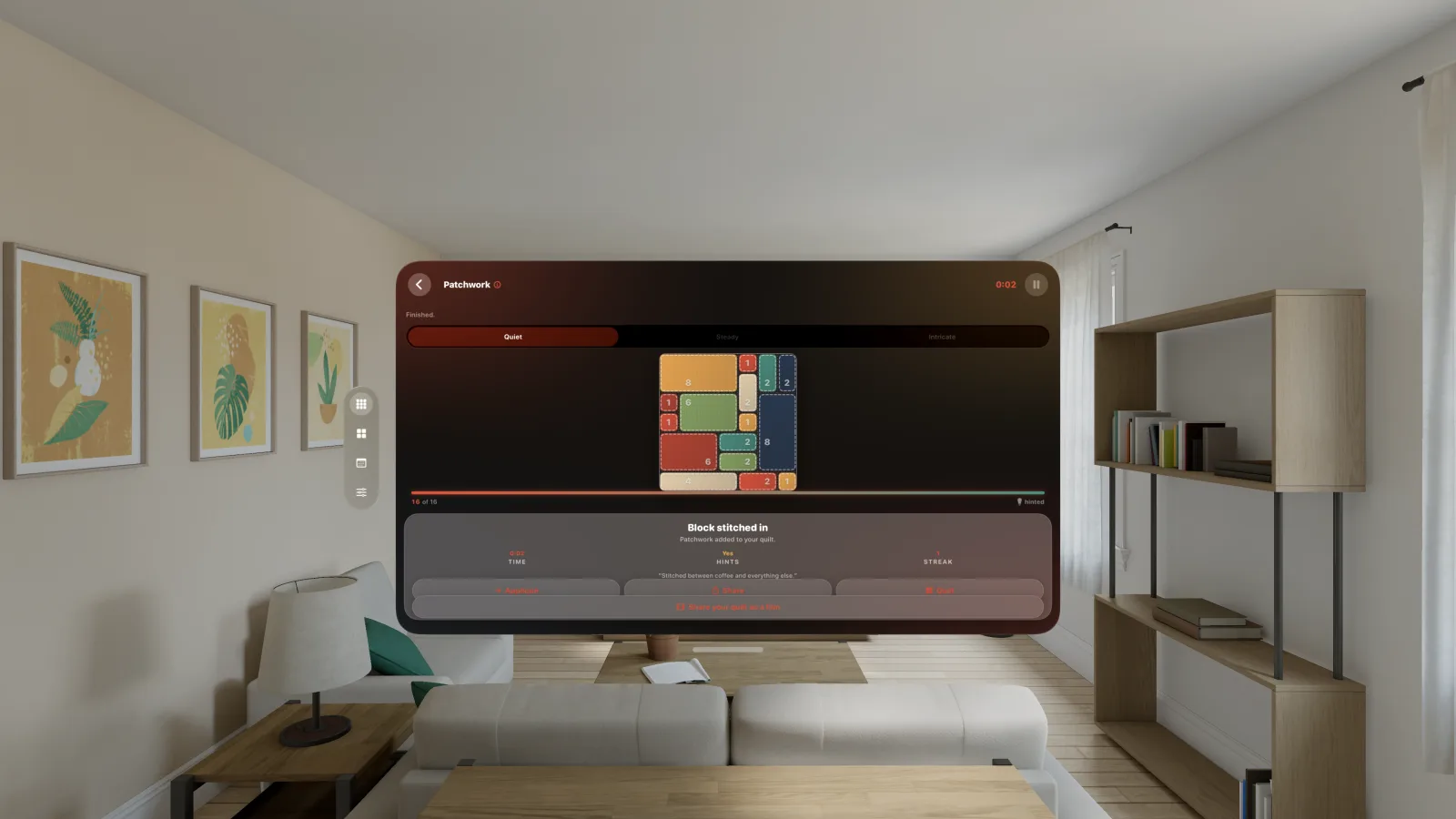
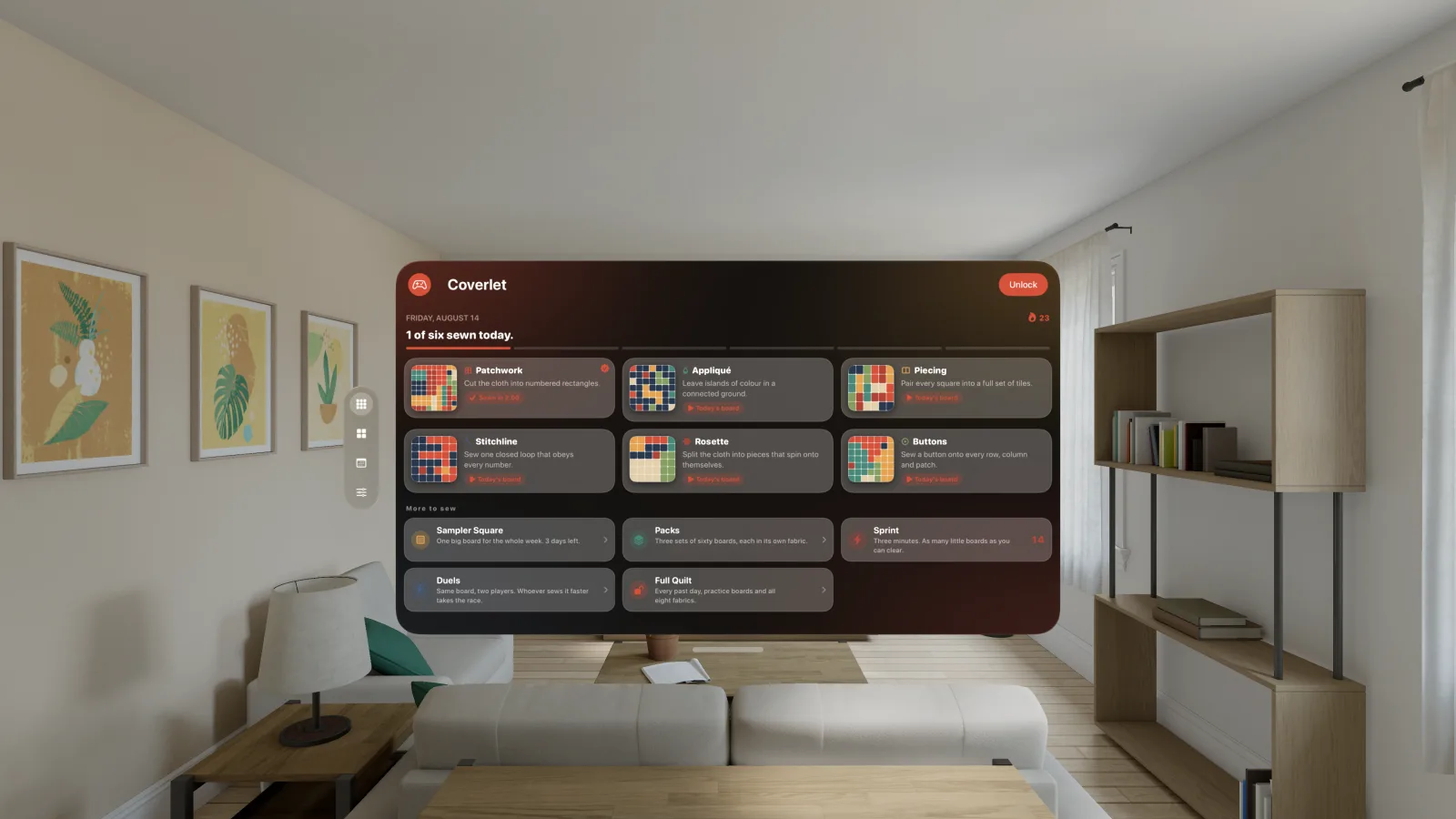
Vision Pro changes the context around a puzzle even when the puzzle remains a focused window. Apple’s platform guidance includes eyes, hands, touch, and other spatial input paths for visionOS (Apple, n.d.). A good logic game can use that context for stable scale, comfortable placement, and direct selection without claiming an immersive world it does not have. Coverlet’s current guide describes a centered, windowed experience and names the features it does not expose, such as phone-only Live Activities or an immersive mode. Honest restraint is a design feature when people are deciding whether a Vision Pro game is actually spatial.
Continuity should never invent a solve
Cross-device progress is only helpful when the identity of the progress is clear. A shared streak can be different from a shared board. A Game Center achievement can be shared across a configured group while a device-specific daily board remains local. Apple documents Game Center support across its platform family and App Store Connect supports groups for sharing leaderboards, achievements, and challenges data (Apple, n.d.). Coverlet’s platform pages should keep those contracts explicit: what crosses, what is reconciled, and what must never be silently marked complete.
Turn platform truth into search visibility
People search with a device attached to the query: puzzle games for iPhone, offline puzzle games for iPad, Apple Watch puzzle games, Mac logic games, or Vision Pro puzzle games. Each page should therefore include the platform name in the title, explain the actual interaction, show authentic media, link to the correct store route, and state release availability. Apple’s App Store Connect documentation also says app tags can improve discoverability and intent relevance on the product page in supported storefront contexts (Apple, n.d.). Web SEO and App Store optimization should reinforce the same vocabulary rather than making claims that the binary cannot support.
Choose the platform by the moment you have
Choose iPhone when you need a quick return, iPad when the board benefits from space, Mac when pointer and keyboard make careful comparison easier, Apple TV when you want a shared living-room screen, Apple Watch for a compact glanceable board, and Vision Pro when a stable spatial window improves comfort or focus. The rule can remain recognizable across the family, but the reason to choose one screen should be concrete. That is what turns “available everywhere” into a meaningful product promise.
Start with the complete Coverlet platform guide, then read the device page that matches your search: iPhone, iPad, Mac, Apple TV, Apple Watch, Apple Vision Pro, or iMessage.
References
APA 7 references for the research discussed in this article. Last checked 29 Aug 2026.
- Apple. (n.d.). Designing for games. Apple Developer. Retrieved August 25, 2026, from https://developer.apple.com/design/human-interface-guidelines/designing-for-games/ Source
- Apple. (n.d.). Game Center. Apple Developer. Retrieved August 25, 2026, from https://developer.apple.com/design/human-interface-guidelines/game-center Source
- Apple. (n.d.). Manage app tags. App Store Connect Help. Retrieved August 25, 2026, from https://developer.apple.com/help/app-store-connect/manage-app-information/manage-app-tags/ Source
- Ryan, R. M., Rigby, C. S., & Przybylski, A. (2006). The motivational pull of video games: A self-determination theory approach. Motivation and Emotion, 30(4), 344–360. Source
Frequently asked
Questions about this puzzle
Does the same puzzle game work the same way on every Apple device?
It should preserve the core rule and identity, but the interaction should change with the device: touch on iPhone, touch and pointer or keyboard on iPad, pointer and keyboard on Mac, focus and remote on Apple TV, compact taps on Watch, and spatial input in visionOS.
Which Apple platforms does Coverlet currently support?
The current Apple listing names seven surfaces: iPhone, iPad, Mac, Apple Vision Pro, Apple TV, Apple Watch, and iMessage. The App Clip is an embedded entry point rather than a separate App Store surface. Each platform guide states its own interaction model and feature set.
Are Coverlet’s Mac, Apple TV, and Vision Pro versions released?
Yes. Coverlet 2.1 is published on Mac and Apple Vision Pro, while Coverlet 2.0 remains published on Apple TV. The eight-technique 2.1 set is available on iPhone, iPad, Mac, and Apple Vision Pro; the Apple TV and Apple Watch pages state their surface-specific sets precisely.
Can Game Center connect the Apple versions?
Game Center can provide platform-specific achievements, leaderboards, and challenges where configured. Coverlet’s own continuity rules still need to state exactly what crosses devices and what remains a device-local solve.
Keep reading