 Coverlet
Best logic puzzle games for iPad: what to look for
The best iPad logic game is not simply the hardest one. It is the one that makes a larger screen feel useful, keeps its rules readable, and fits the time you actually have.
By Mourad Hamdi · Last reviewed
Start with readable constraints
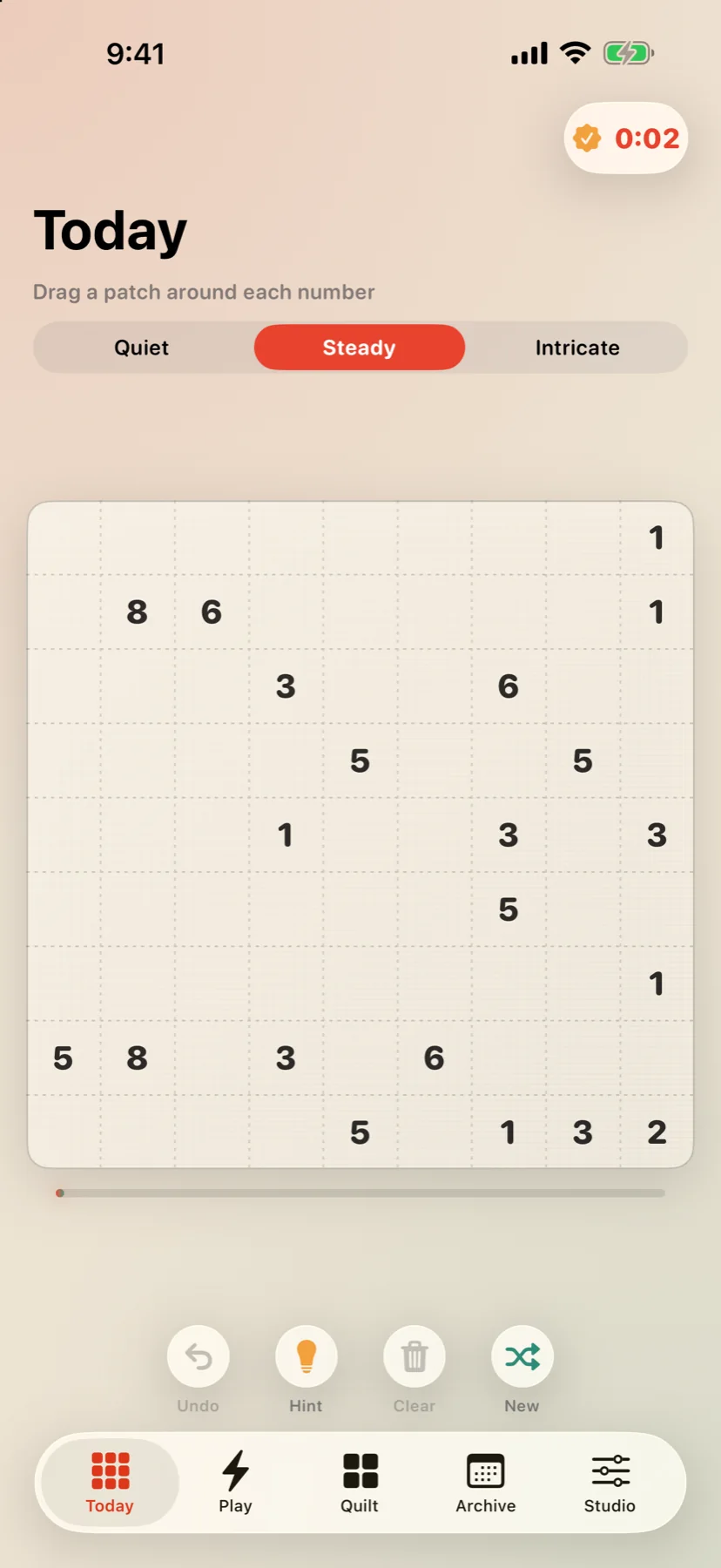
A larger display should make deduction easier to inspect, not add decoration around it. Look for clues that remain legible at a comfortable scale, clear boundaries between placed and empty cells, and feedback that does not depend on colour alone. Coverlet's Patchwork is a good example of a board where the number, area, and rectangle stay visible together.
Choose a deduction style
Rectangle puzzles ask you to reason about area and shape. Connected-region puzzles ask whether a group can grow without splitting the board. Line puzzles ask you to complete a loop, while tile and pattern puzzles ask you to pair, partition, or place pieces. Coverlet keeps these moods together in one app through eight daily puzzle techniques.
Check the time and connection fit
Good iPad games meet you at different sizes of free time. Coverlet offers Quiet, Steady, and Intricate daily boards, plus a short Sprint. Its core puzzles are generated on-device, so the daily logic loop can work without a connection; optional Apple services such as purchases or Game Center are separate concerns.
Look for a reward without pressure
A score can be useful, but it should not be the only reason to return. A visual archive gives solved work a place to go and lets a player build something over time. Coverlet's private quilt turns completed boards into a record rather than an endless demand for another notification.
Start with what the larger screen makes possible
The best logic puzzle games for iPad do not simply stretch a phone interface across a bigger display. They use the extra room to make a board easier to scan, a clue easier to compare, and a mistake easier to understand. That means looking for generous touch targets, clear spacing between cells, and a layout that keeps the active puzzle at the centre of attention. A board can be visually quiet without being empty: the useful question is whether every decorative choice supports the next deduction. Coverlet's Patchwork guide is a useful example of the principle because the number, its area, and its rectangle remain part of one readable visual problem. On an iPad, that relationship should feel easier to inspect rather than more elaborate to operate. Before comparing features, open a representative board and ask whether you can see the whole constraint without pinching, hunting, or memorising what is off-screen.
Judge the board language before the feature list
A good puzzle interface teaches its rules through consistent visual language. Clues should look different from empty cells, selected cells should not be confused with completed cells, and an invalid move should explain itself without relying only on a colour flash. This matters especially on a larger tablet, where the eye may move between a clue, a candidate region, and a status message several times in one solve. Look for labels, borders, shape, and text that reinforce one another. Reviews of games and well-being describe effects as dependent on the activity, the player, and the outcome being measured rather than guaranteed by the label game alone (Granic et al., 2014; Pallavicini et al., 2018). The same caution is useful for interface quality: an iPad game is not automatically thoughtful because it has more pixels. Test a difficult moment. If you make a wrong placement, can you tell what happened, why it happened, and how to recover without abandoning the board?
Choose a logic mood, not just a rating
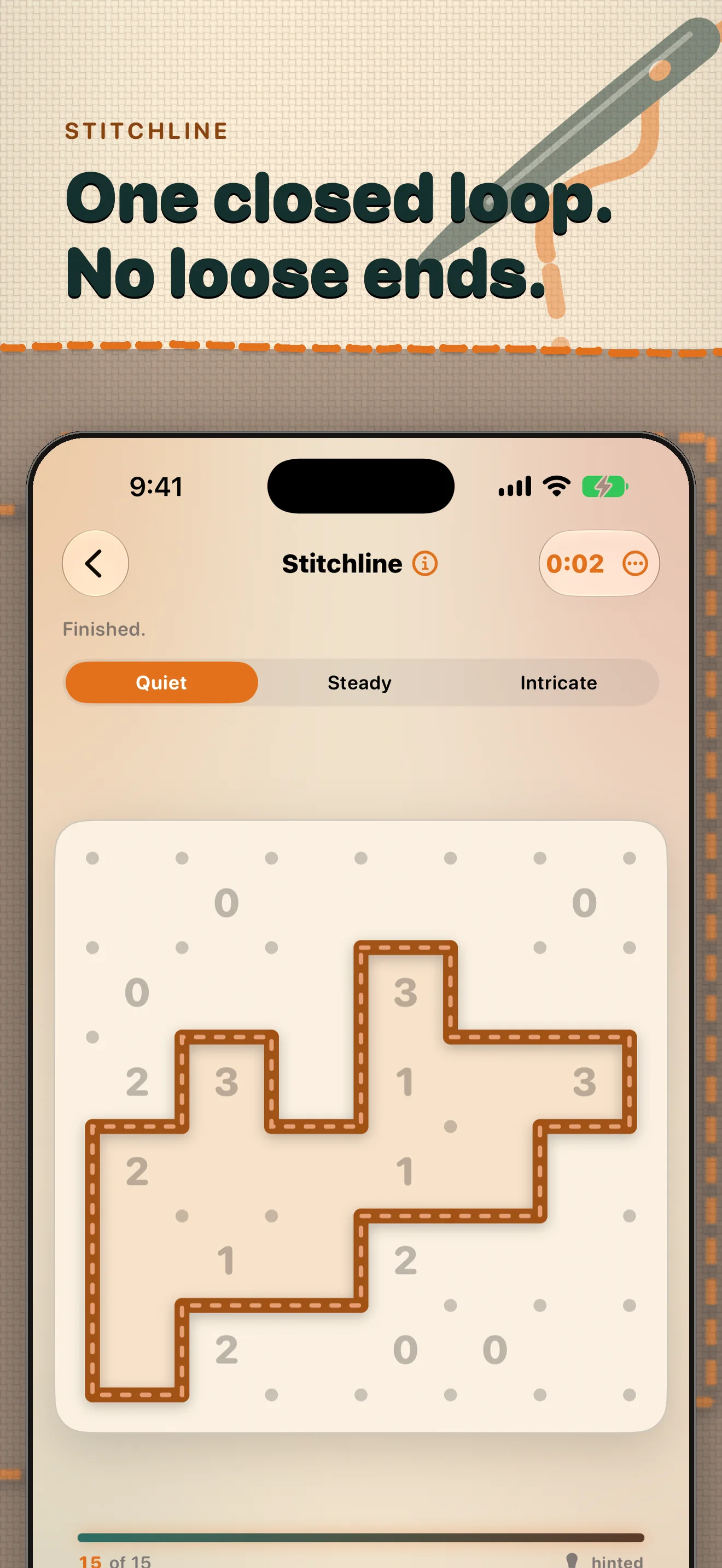
Logic puzzle games differ in the kind of attention they request. Rectangle puzzles ask you to reason about area, boundaries, and space. Region puzzles ask whether a connected group can expand without creating an impossible remainder. Loop puzzles ask you to protect a single path, while pairing or pattern puzzles make relationships between pieces visible. An iPad is especially good for comparing these moods because it gives each board enough room to breathe. Coverlet groups several techniques in one app, including Patchwork, Appliqué, Piecing, Stitchline, and Rosette; its eight-technique guide can help you identify the kind of deduction you want before you download anything. Do not choose only by difficulty. A hard board can be satisfying when its constraints are legible, and frustrating when the interface hides the reason a move fails. The best fit is the mechanic that matches your available attention and the kind of small problem you want to hold.
Check the time and connection fit
An iPad puzzle earns its place when it fits real use: a few minutes before bed, a longer train ride, a break between tasks, or a quiet weekend session. Check whether the game offers more than one board size or intensity, whether it saves progress reliably, and whether its core loop works when a connection is weak. Separate the offline promise from optional services. A game can generate its central puzzle on the device while purchases, leaderboards, or cloud features remain dependent on Apple services. Coverlet describes its core boards as on-device and offers Quiet, Steady, Intricate, and Sprint shapes, so the practical test is simple: start a board, put the device in a low-connectivity situation, and see whether the essential solve remains available. Also check orientation, text scaling, and whether a notification or interruption returns you to the same state. A calm game should respect the time you have rather than making a short session feel like a failed long one.
Look for a good ending, not an endless demand
The strongest iPad puzzle games give a completed solve somewhere to live. That might be a clean result screen, a personal archive, a new pattern, or simply the satisfaction of a board that is visibly complete. The reward should acknowledge the work without turning it into a demand for another round. Coverlet's quilt idea makes the finished board a private record, while the daily routine notes frame return as an invitation rather than a streak obligation. A useful comparison checklist is therefore short: Is the board readable? Do the controls explain the mechanic? Can the game fit your connection and available time? Does the challenge offer a fair path from uncertainty to completion? Does the reward let you stop? Try two or three games with those questions in mind. The best choice may not be the one with the most modes; it may be the one that makes a small, clear problem feel worth finishing on the screen you already own. Also test practical fit: whether VoiceOver identifies the active cell, whether text remains readable at a larger setting, and whether a mistake can be corrected without a time penalty. A thoughtful tablet experience should make the puzzle clearer for different hands, eyes, and attention spans, not merely make the board larger. Those checks turn a feature comparison into a decision about fit. Finally, compare the feeling of returning after a pause with the feeling of being pulled back by a notification. A product-led recommendation is strongest when it explains the experience a reader can expect, including its limits, accessibility choices, and respect for the session they actually have.
For a calm first test, open the Coverlet app page, learn the rectangle rule, and choose the game technique that matches your next few minutes.
References
APA 7 references for the research discussed in this article. Last checked 29 Aug 2026.
- Granic, I., Lobel, A., & Engels, R. C. M. E. (2014). The benefits of playing video games. American Psychologist, 69(1), 66–78. Source
- Pallavicini, F., Ferrari, A., & Mantovani, F. (2018). Video games for well-being: A systematic review on the application of computer games for cognitive and emotional training in the adult population. Frontiers in Psychology, 9, 2127. Source
- Sweller, J. (1988). Cognitive load during problem solving: Effects on learning. Cognitive Science, 12(2), 257–285. Source
- Newell, A., & Simon, H. A. (1972). Human problem solving. Prentice-Hall. Source
Keep reading