 Coverlet
Puzzle games for the Apple device you actually use.
The best screen for a puzzle depends on the interaction you want: touch, pointer, remote, wrist tap, spatial window, or a small social companion.

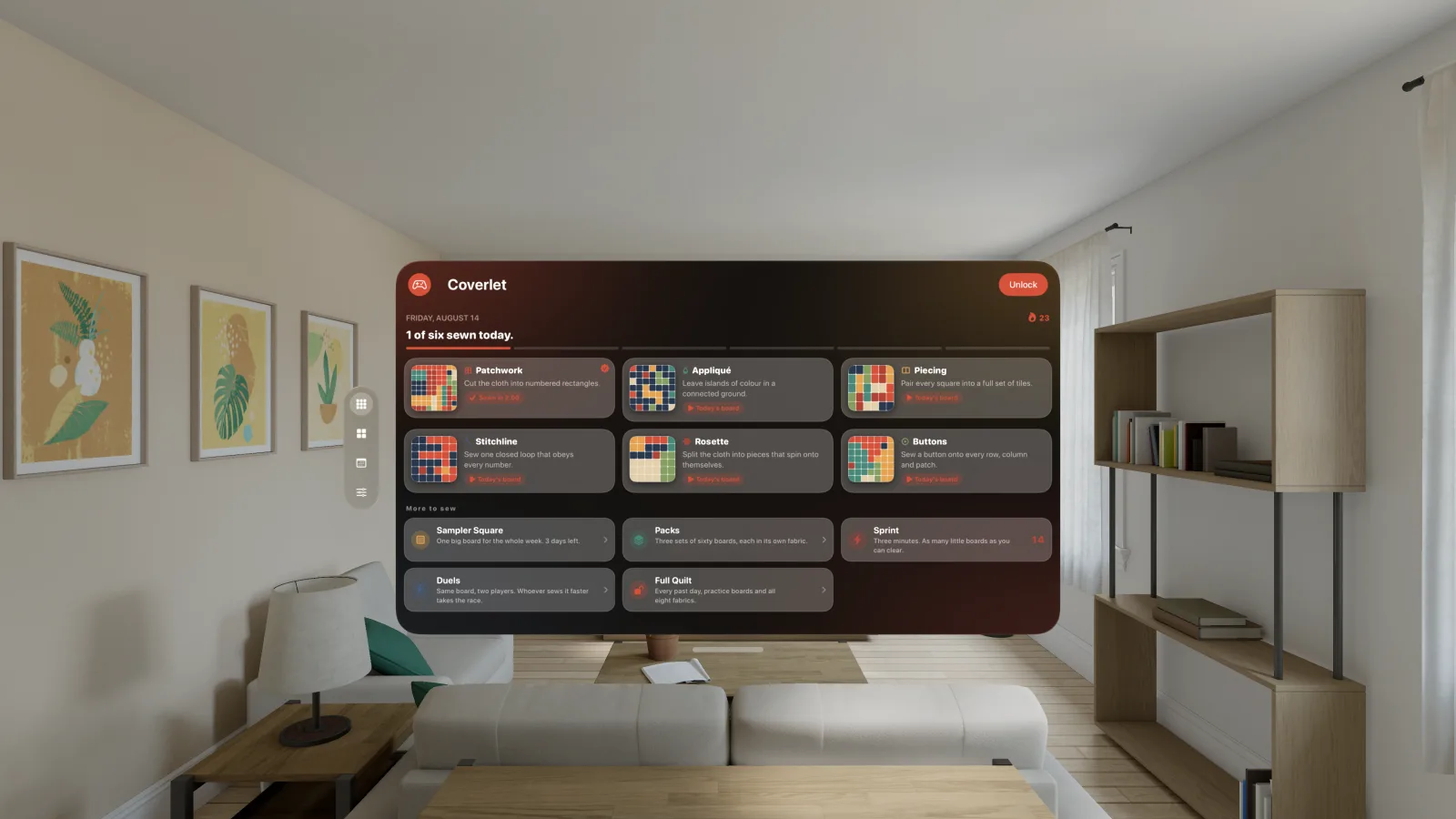
Start with these guides
Puzzle games across Apple platforms: iPhone, iPad, Mac, Apple Watch, Apple TV and Vision Pro
A device-by-device guide to touch, pointer, remote, wrist, and spatial puzzle interaction, with release-aware Coverlet details.
Explore Apple platform design →
Best puzzle games for iPhone: how to choose one you’ll actually keep
A clear checklist for choosing an iPhone puzzle game by mechanic, session length, privacy, and device fit.
Choose an iPhone puzzle →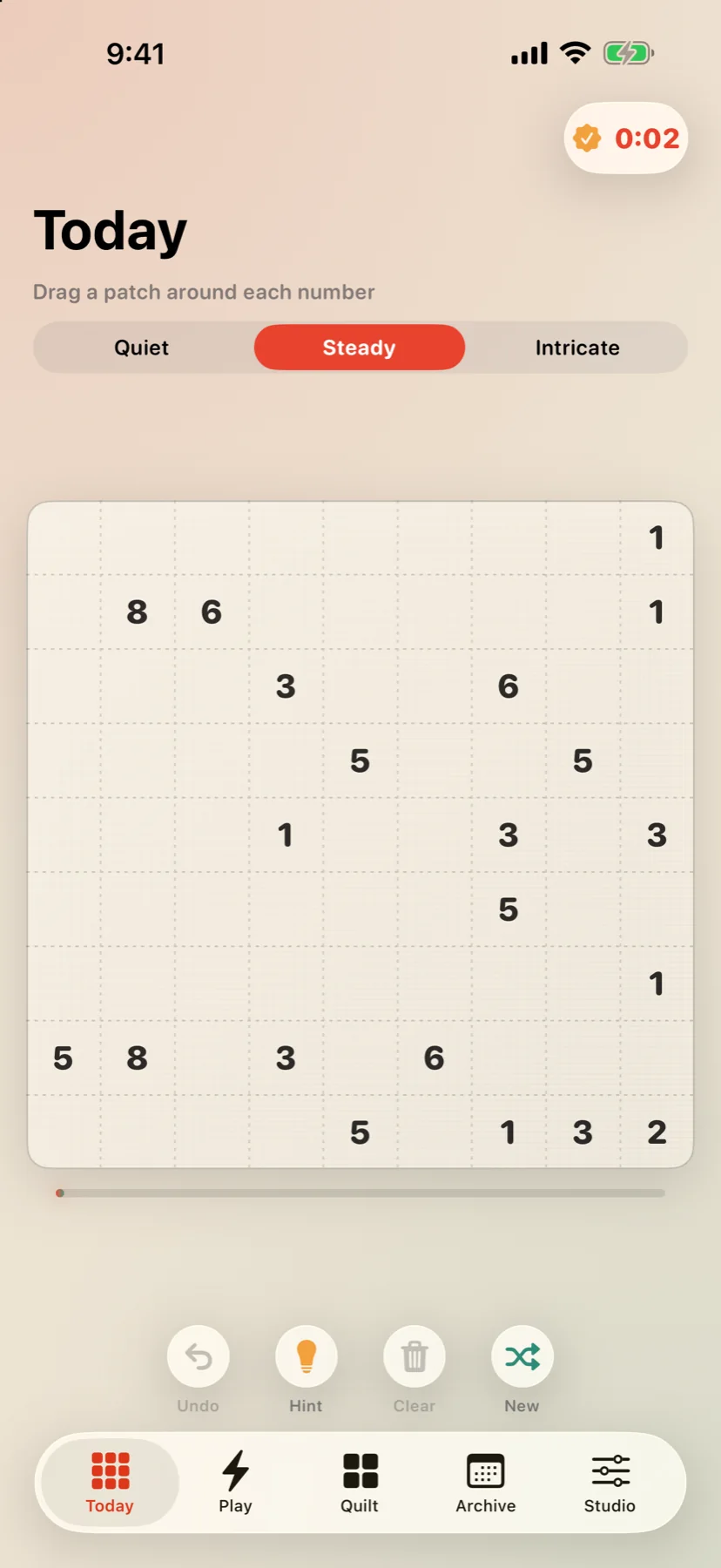
Offline puzzle games for iPhone and iPad: what to check before you travel
A practical airplane-mode checklist for finding a private, readable puzzle companion on iPhone or iPad.
Read the offline guide →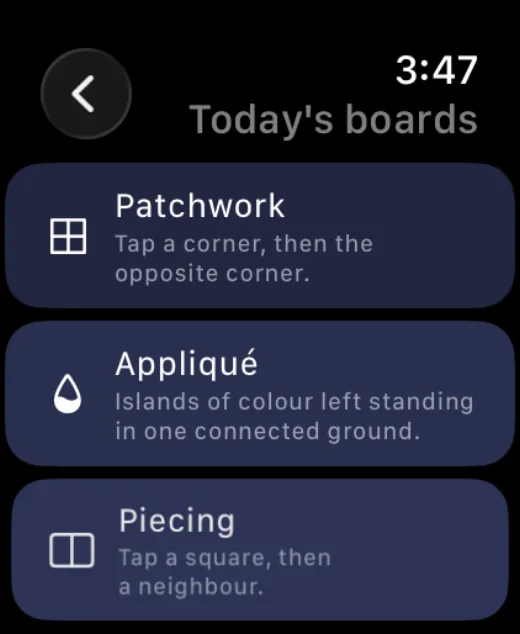
Apple Watch puzzle games: what makes a good wrist-sized logic game
How to evaluate a puzzle game for Apple Watch by readability, taps, interruption, privacy, and useful progress.
Read the Apple Watch guide →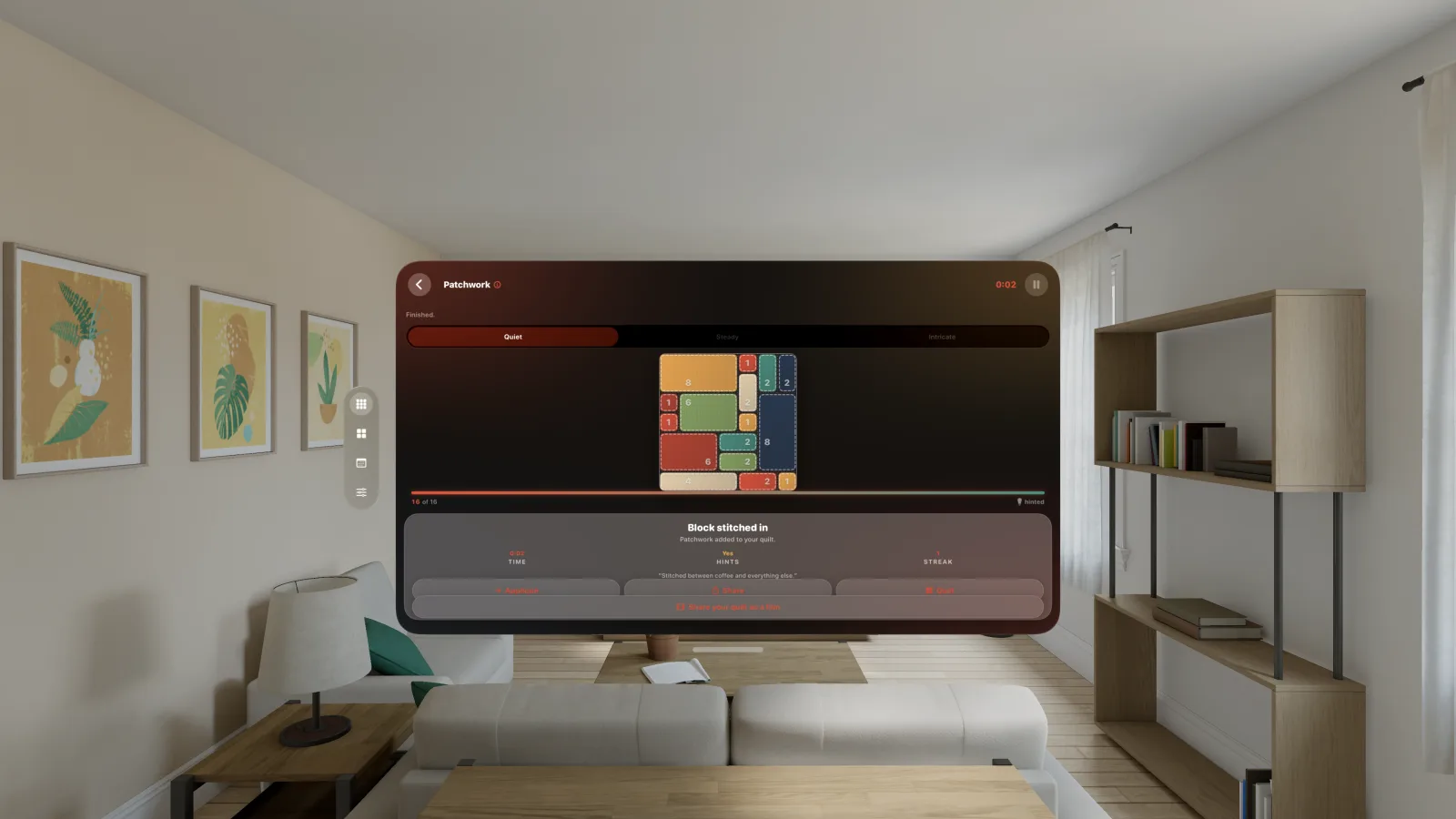
Vision Pro puzzle games: how spatial screens change a logic game
A practical guide to spatial puzzle design: window placement, eye and hand input, comfort, and release-aware platform claims.
Read the Vision Pro guide →
What makes a puzzle game go viral? A research-based design guide
A research-led framework for building shareable puzzle experiences without fake popularity or compulsive pressure.
Read the viral design guide →
How to share a puzzle result without spoiling the answer
A practical UX pattern for result cards, friend challenges, and social sharing that keeps the puzzle intact.
Make sharing spoiler-safe →Return to the Coverlet Journal for the full collection of solving guides, travel notes, and design stories.
← Back to the journal